How is this different from MusicButler?
Tracknack auto-updates a Spotify or Apple Music playlist with every new release from artists and labels you follow. No manual checking, no missed releases.
Last reviewed: March 2026
Feature comparison
What sets Tracknack apart
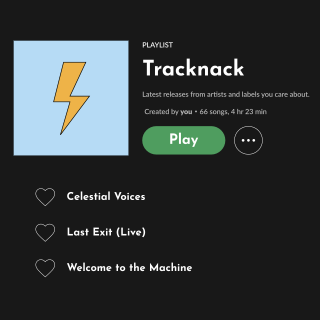
Automatic playlist updates
Both MusicButler and Tracknack send email notifications when new music is released, but Tracknack delivers all new releases straight to a custom playlist in your Spotify or Apple Music account.

High accuracy
Tracknack is built from ground up to only notify you about releases from artists you actually follow. Since many artists share the same name, Tracknack has features to prevent adding unwanted tracks to your playlist.
Follow record labels
If you enjoy following record labels that tend to put out music you like, with Tracknack you can get their latest releases automatically. MusicButler does not currently support this.
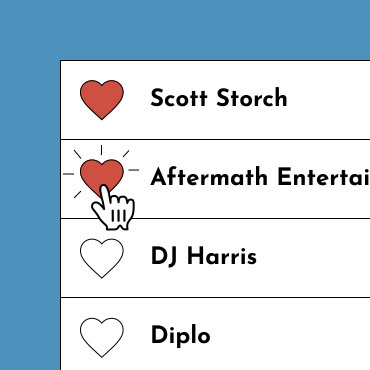
Follow artists featured in album credits
While MusicButler tracks solo artists only, Tracknack is able to track producers, songwriters, composers or sound engineers that don’t even have a dedicated profile on Spotify.
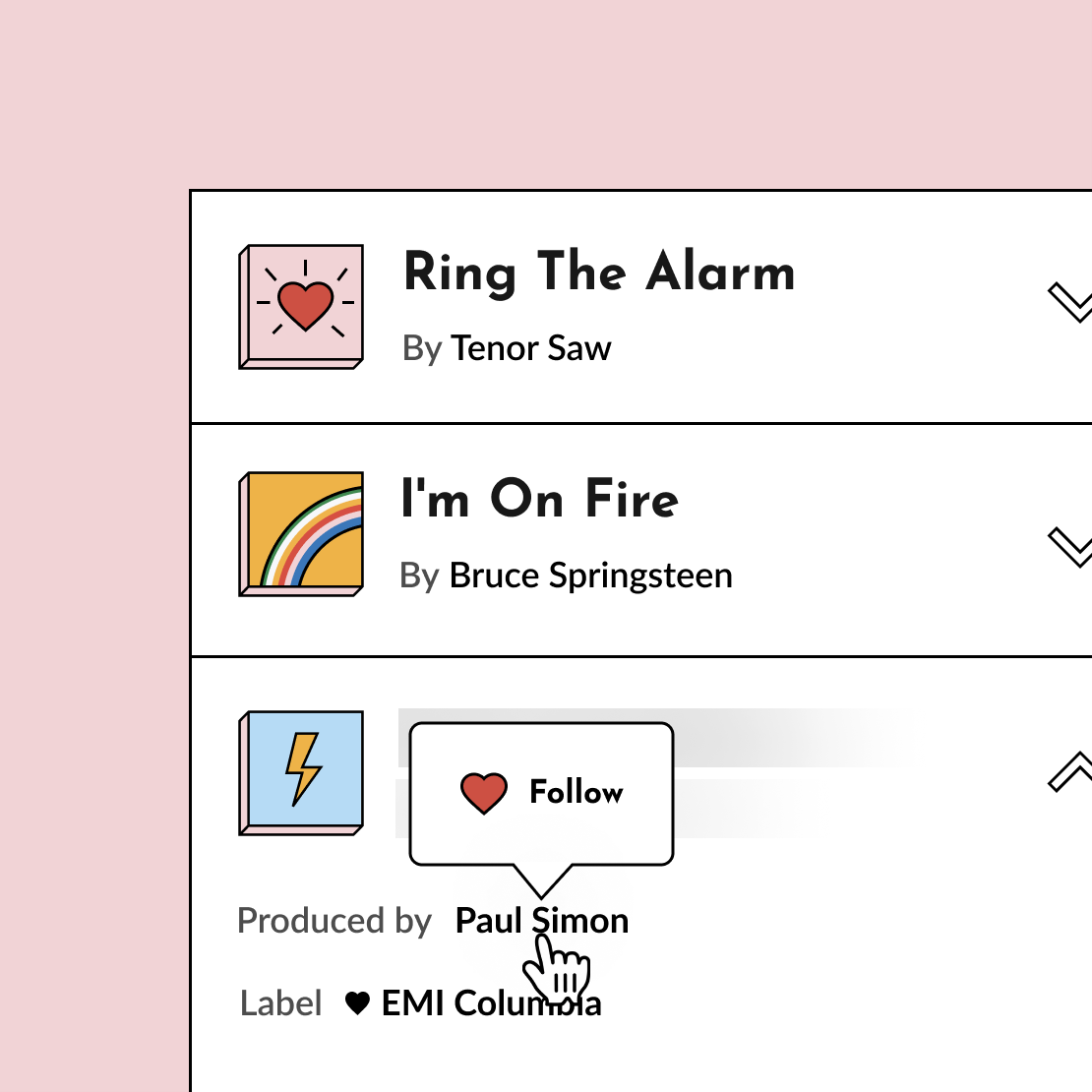
Discover by musical connection
Tracknack allows you to explore artists, labels or even tracks added to your playlist to find more artists and labels to follow.
Who should still use MusicButler?
MusicButler is well-established and works for tracking solo artists. If you prefer email notifications over playlists, MusicButler is solid. Where it falls short is producers, labels, Apple Music support, and automated playlist updates — that's where Tracknack fills the gap.
Frequently asked questions
Can I switch from MusicButler to Tracknack?
Yes! If you have a Spotify or Apple Music account, you can import your followed artists into Tracknack in one click. You can also manually search and follow any artist, producer, or label.
Does MusicButler update Spotify playlists?
No, MusicButler sends email notifications about new releases but does not create or update playlists. Tracknack automatically adds new releases to a playlist in your Spotify or Apple Music account.
How can I follow producers and songwriters and not just solo artists?
Tracknack allows you to follow anyone involved in creating music - from the perfomers to producers, songwriters, session musicians and mixing engineers. Just follow them as you would any other artist.
Is Tracknack free?
In the free version you can follow up to 30 artists or labels. There's also a 14-day free trial to give you time to try Tracknack's full functionality.
Do you offer a free trial of Premium features?
Yes! All paid plans have a 14-day free trial to give you time to try Tracknack's premium functionality. You will need to start a Premium subscription to use the trial, but you won't be charged until the end of it, and you can cancel anytime.
Learn more
Stop missing releases.
Tracknack digs through album credits — producers, engineers, labels — so you don't have to. One Spotify or Apple Music playlist, always up to date.
Have an idea or feedback?
If you have any comments about Tracknack or would like Tracknack to have a specific feature, drop me an email!